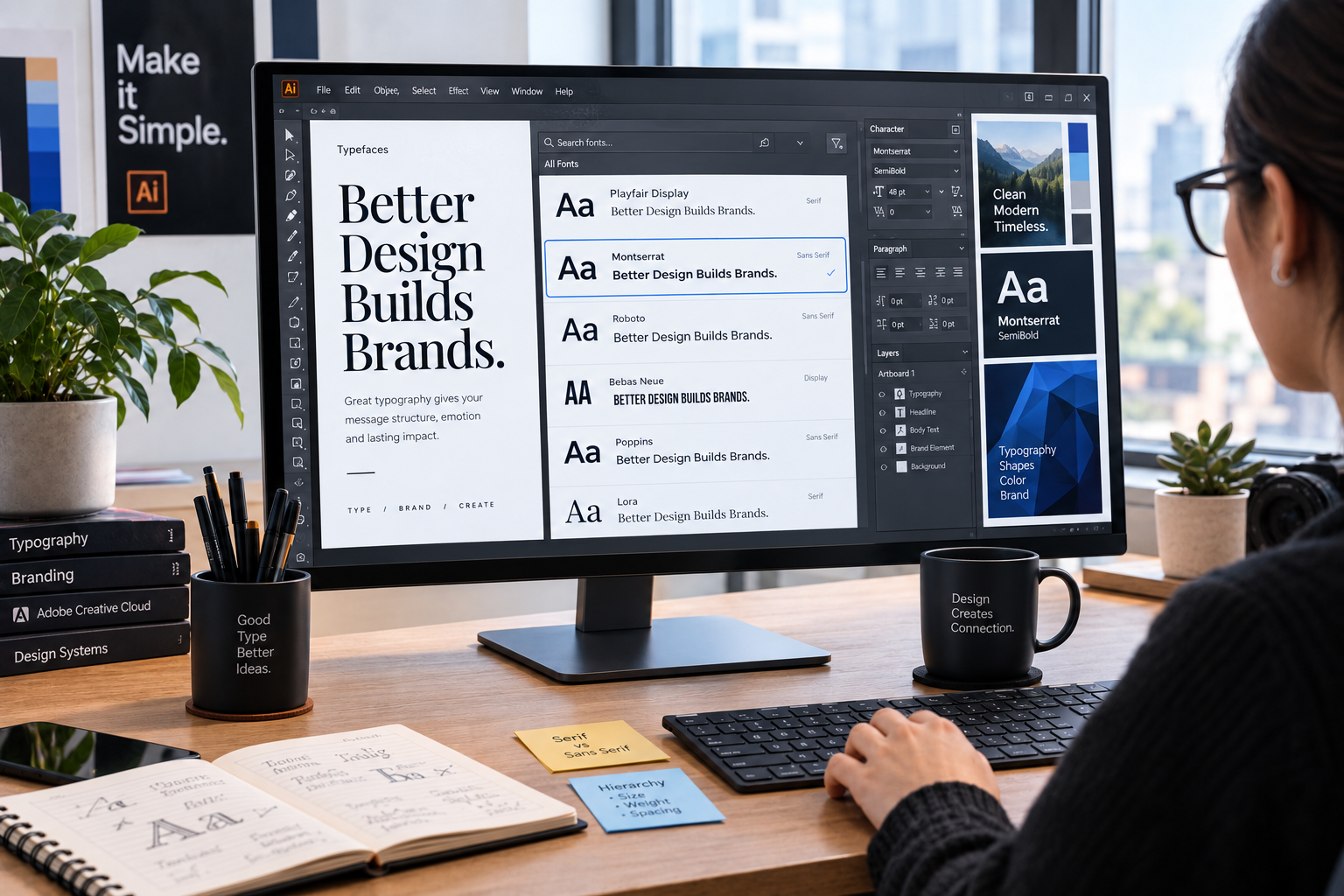

Adobe Fonts gives designers access to a large library of typefaces for branding, websites, presentations, video, and everyday creative work. The service is built into Adobe’s ecosystem, so fonts can be activated through Creative Cloud and used in supported desktop applications. For websites, Adobe also provides web font hosting through an embed system.
What are Adobe Fonts?
The Adobe Fonts service is a font library included with eligible Adobe subscriptions. Adobe says its library contains more than 30,000 font options, with access depending on the subscription level. Fonts can be browsed online, added to a Creative Cloud account, and activated for supported workflows.
For desktop use, the Creative Cloud desktop app manages activation. Once a font is added, it can become available to compatible applications such as Photoshop, Illustrator, InDesign, and other desktop software that uses system-installed fonts.
How the font service works
- Browse the library and search by classification, language, or visual style.
- Open a font family and select the styles you need.
- Activate the family through your Adobe account.
- Use the activated fonts in compatible applications.
- For websites, create a web project and use Adobe’s supplied embed code.
Desktop and web use are handled differently. Desktop activation is managed through Creative Cloud, while web fonts are delivered through Adobe’s hosting system. Adobe says web projects should use the provided embed code rather than self-hosting font files under the standard web license.
| Use case | How it works | Key consideration |
|---|---|---|
| Photoshop or Illustrator | Activate through Creative Cloud | Check the fonts available to your plan |
| InDesign | Activate through Creative Cloud | Select the required weights |
| Website | Add an Adobe web project | Use Adobe’s supplied embed code |
| Branding and graphics | Create artwork with activated fonts | Review applicable license terms |
| Client projects | Use licensed access for the workflow | Do not share font files improperly |
Choosing the right font family
A huge library can create the opposite problem: too much choice.
Start with the job the typography needs to perform. A news-style website may benefit from a readable sans serif or serif combination, while a technology article can work well with a clean sans serif. For a logo or display heading, distinctive letterforms may matter more than long-form readability.
Look at the full family rather than judging a font from one headline. Check lowercase characters, numerals, punctuation, bold weights, italics, and longer paragraphs. A typeface that looks impressive in a short heading may become tiring across several screens of text.
Language support also matters. If a project needs accented characters or multiple writing systems, confirm that the family contains the required glyphs.
💡 Pro Tip: For a website, test shortlisted fonts at the actual body-text size on both desktop and mobile. A typeface that looks excellent in a large mock-up can feel cramped or overly light at normal reading size.
Is Adobe Fonts free?
The service is not generally a separate free font service. Access is tied to the Adobe subscription or access level associated with an account. Adobe currently describes Pro, Standard, and Free access levels, with the available library and application access varying between them.
Adobe also states that its included fonts are licensed for personal and commercial use under its terms. That does not mean every possible use is automatically permitted. Embedding fonts directly into software, distributing font files, or allowing users to create their own content with the fonts can require different licensing arrangements.
For client work, access through one Adobe account does not automatically permit handing font files to another person or organization.
Can you use Adobe Fonts on a website?
Yes, but the licensing method matters. Adobe’s web font service lets a site load selected fonts through an Adobe web project and its supplied embed code. Adobe says its web font license covers browser viewing on desktop and mobile and does not impose a monthly pageview limit for those web fonts.
There is an important limitation: Adobe does not allow the standard web service to be used by downloading the web font files and self-hosting them. If local hosting is required, Adobe says a separate license from the font foundry or an authorized reseller may be necessary.
A small, deliberate type system is easier to maintain and can reduce unnecessary page resources.
Common mistakes to avoid
A common mistake is choosing a font because it looks impressive rather than because it supports the content. Another is loading too many weights when a project only needs regular, medium, and bold.
Licensing is another area where assumptions can cause problems. Adobe’s terms cover many common creative uses, but packaging, redistribution, applications, and customer-generated content have additional restrictions. Adobe notes that font files generally cannot simply be copied or moved to third parties under its terms.
It is also worth checking the subscription attached to the account. Some Adobe plans provide a more limited font library, so a family visible in search may not necessarily be available under every plan.
📌 Key Takeaway: Adobe Fonts works best as a complete typography workflow rather than a giant list of typefaces. Choose for readability and purpose, activate only what the project needs, and confirm licensing before moving fonts between people, products, or platforms.
Frequently Asked Questions
Can I use Adobe Fonts for commercial projects?
Generally, yes. Adobe states that its fonts are licensed for personal and commercial use, subject to its Terms of Use and specific restrictions.
Do I need Creative Cloud to use Adobe Fonts?
Desktop font activation requires the Creative Cloud desktop application and a qualifying Adobe subscription or access level. Web font use can work through Adobe’s web service without the desktop app running.
Can these fonts be downloaded and self-hosted?
Not under the standard Adobe Fonts web service. Adobe requires web projects to use its supplied embed method; self-hosting may require a separate license.
Can Adobe Fonts be used for logos?
Adobe says fonts added through the Adobe service can be used to create logos and other artwork. The typeface design itself cannot be copyrighted or trademarked as a font, while a logo created with the font may receive protection under applicable law.
What happens if I cancel my Adobe subscription?
Adobe says websites using Adobe web projects will no longer have access to those web fonts after cancellation, so the site will fall back to the specified font stack or browser defaults.
Conclusion
Good typography is less about finding the most unusual font and more about choosing one that works for the reader, medium, and brand. Adobe Fonts makes discovery, activation, and web font delivery easier within the Adobe ecosystem. The strongest results come from using a small, purposeful selection while keeping licensing and performance in view.